Atlas Assembler
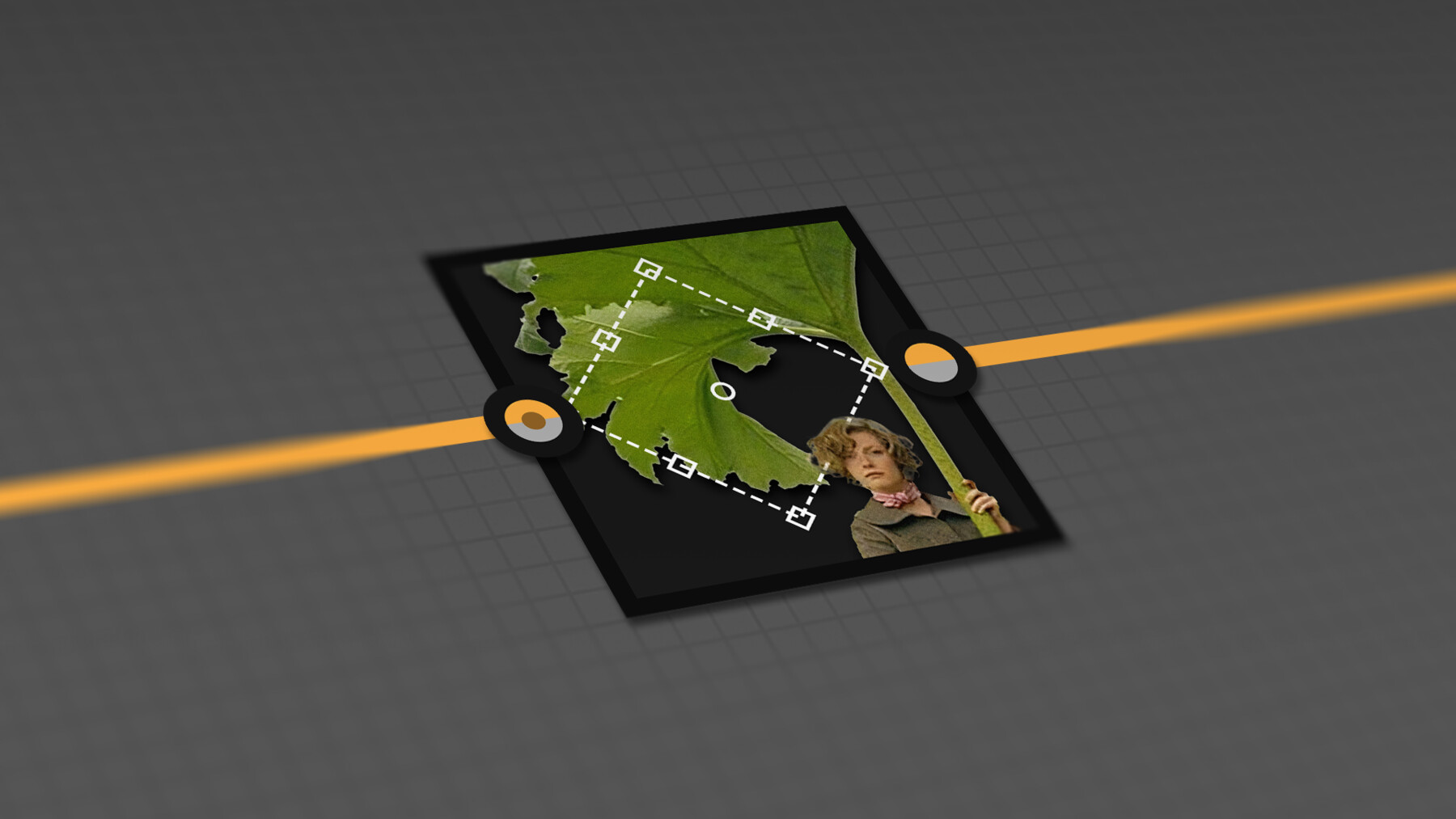
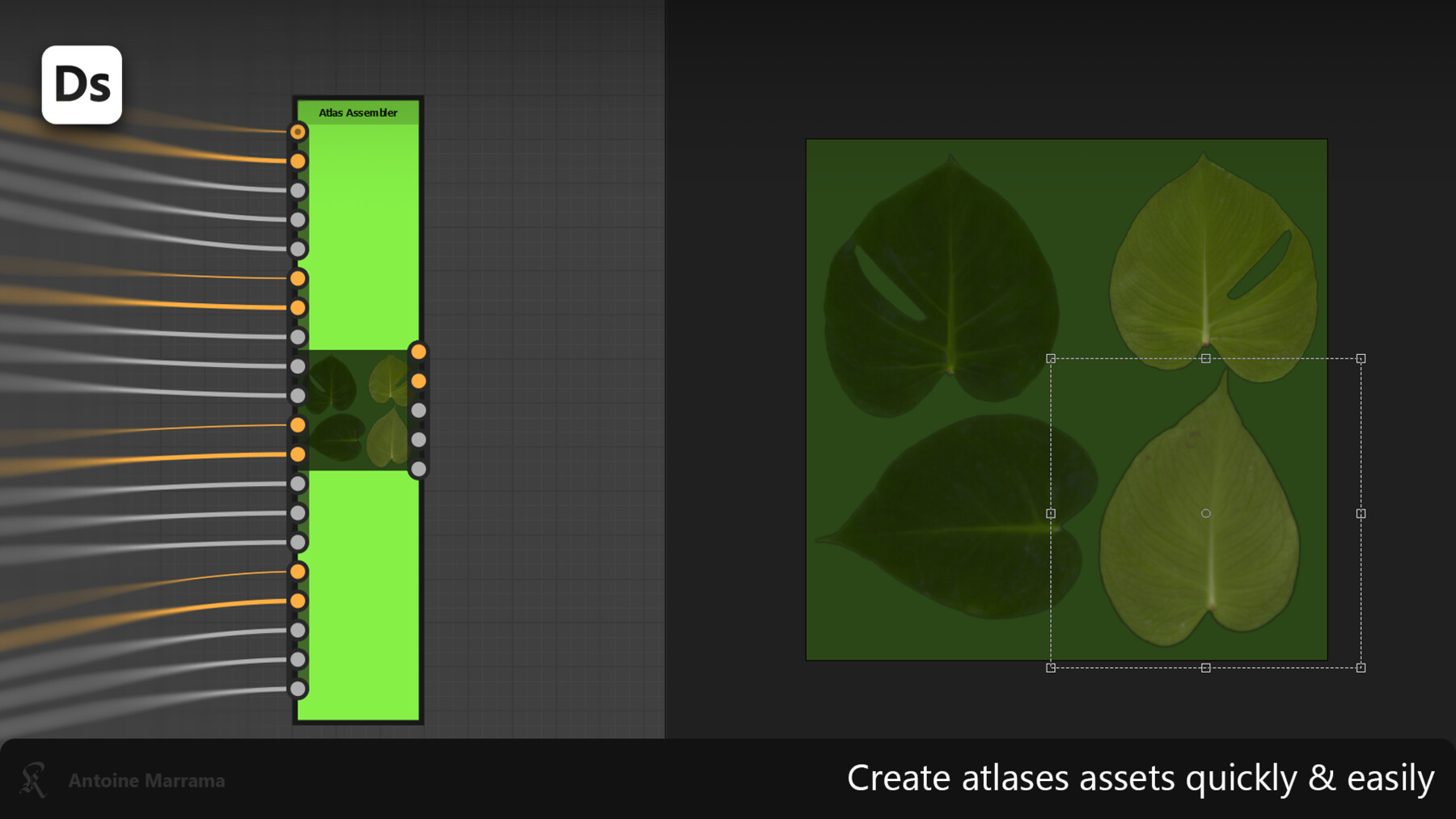

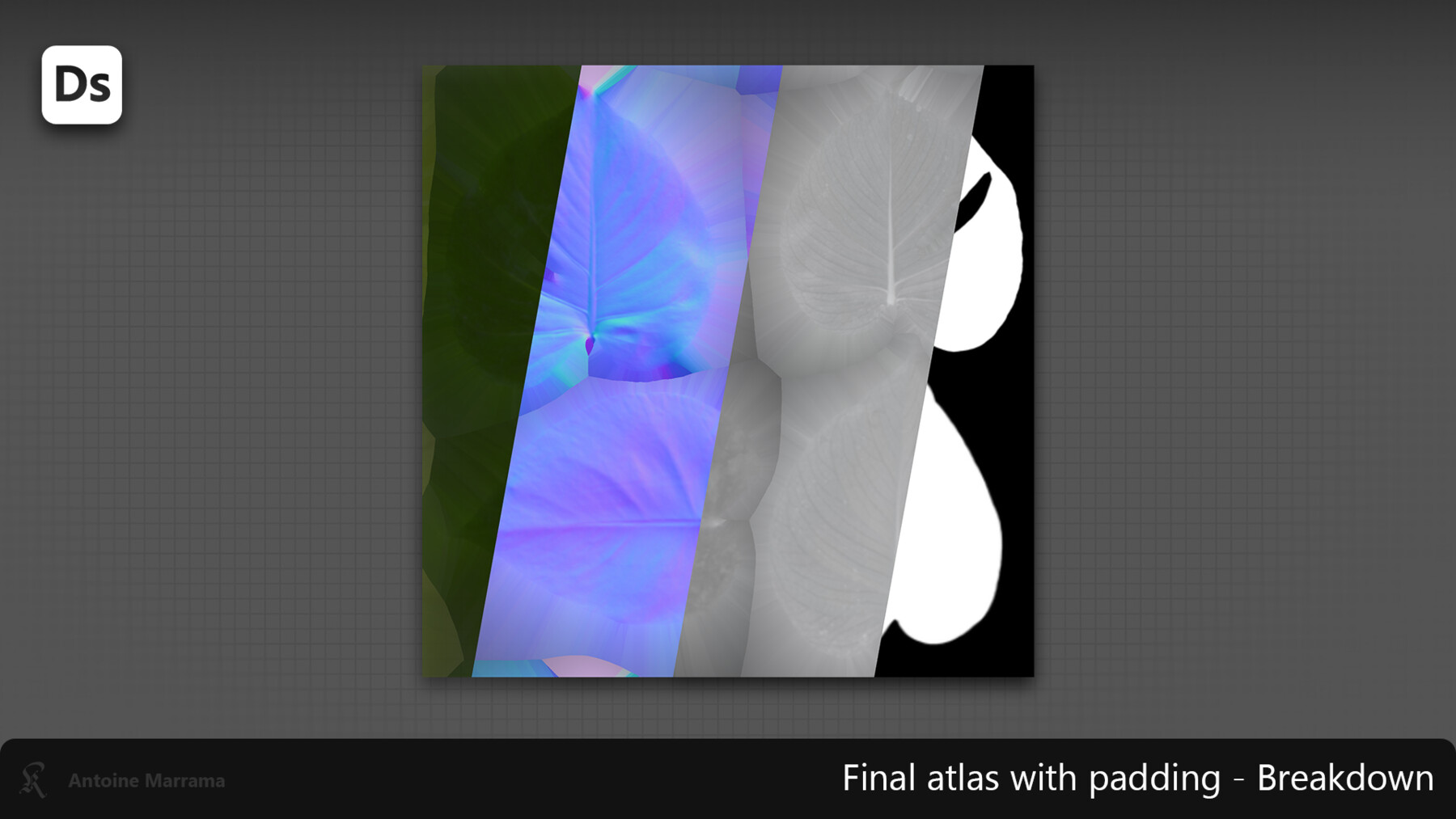
With the Atlas Assembler utility node, you can create atlases for assets quickly and easily. Connect until 4 textures are on the node. You can use Transformation2D to organize your atlas, change the color of the background properly, activate padding or disable it, and manage a normal map. You can enable just the right input/output you need to have a proper node. To take this a step further, you can use the output of one atlas assembler in the input of another to create a larger atlas using more than 4 textures, for example. All the transformations you make operate in the different texture channels simultaneously to simplify your life. This node enables you to develop your foliage texture, and Atlas Assembler does the rest of the atlases creation. It's simple, easy to learn, and quick to apply.
This resource was created with Substance Designer 13.0.2. It should work with this or more recent versions.
In Content:
- Atlas Assembler SBSAR
- Textures of leaves. You can use it to test the Atlas Asset